Probe Types
The Probe Types section lists the monitoring integration technologies available in XAUTOMATA. Each probe type defines how a monitoring agent collects data — for example a system monitoring agent, a network probe, or a cloud integration.
Info
Probe types are reference configurations managed by the XAUTOMATA delivery team. This section is primarily informational — you will not normally create or delete probe types from the interface.
Opening the Probe Types Section
From the main navigation menu, go to Administration → Probe Types.
The interface opens with a table listing all available probe types.
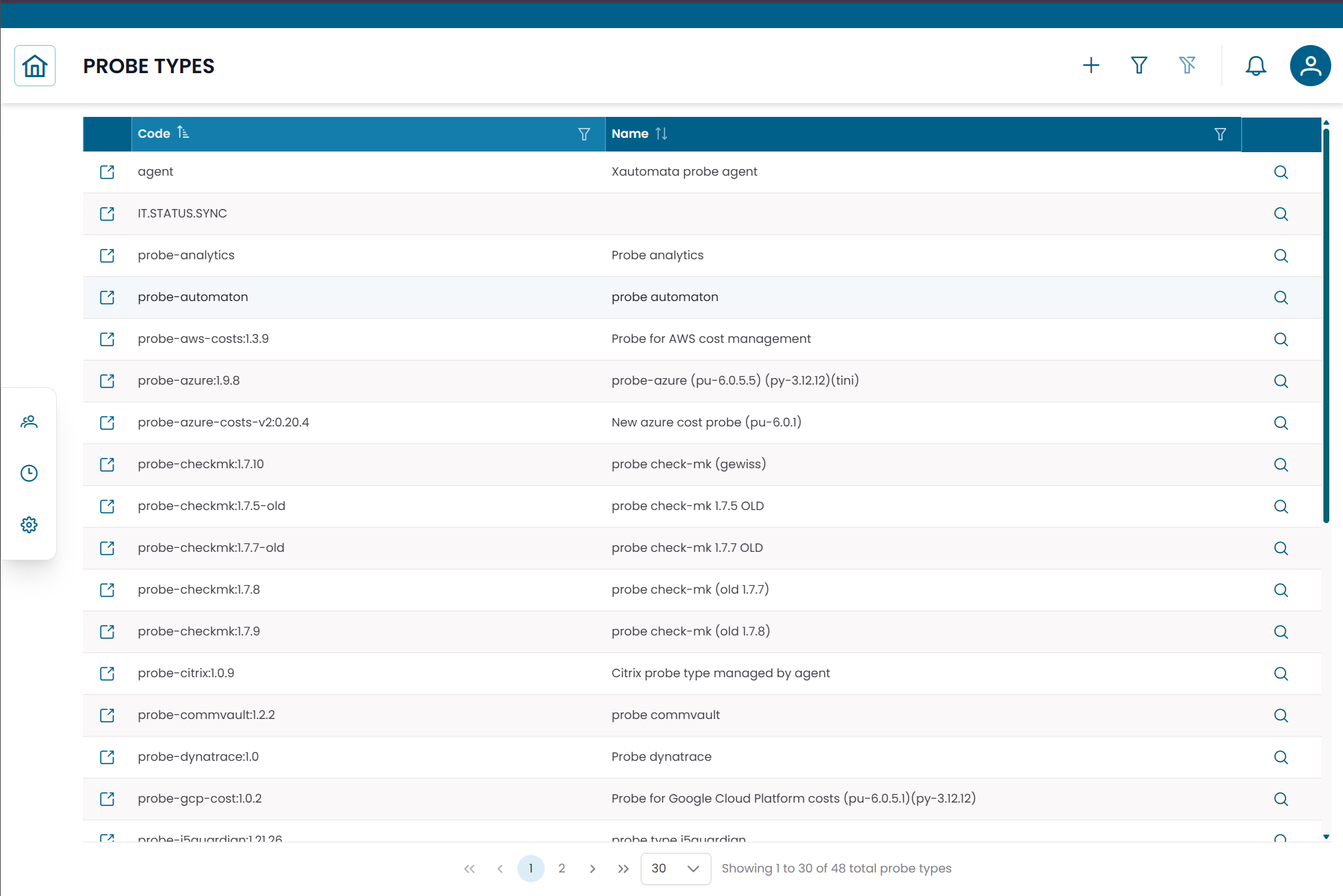
Fig.1 - Probe Types table
Probe Type Details
Click the search icon (🔍) on any row to open the probe type record.
| Field | Description |
|---|---|
| Code | Short identifier of the probe type |
| Name | Descriptive name of the monitoring integration |
| Endpoint | JSON configuration defining the communication parameters |
The Endpoint field contains the technical parameters used by the platform to interact with probes of this type. It is managed by the delivery team.
Connections View
Click the link icon (🔗) on any row to open the Connections View.
This view shows all Probes that use the selected probe type — useful for understanding the scope of an integration before making changes.
Note
To manage the monitoring agents based on a probe type, see Probes.