Notification Provider Types
The Notification Provider Types section lists the integration models supported by XAUTOMATA for delivering notifications and automated actions. Each provider type defines the configuration schema that a notification provider of that type must follow.
Info
Notification provider types are reference configurations managed by the XAUTOMATA delivery team. This section is primarily informational — you will not normally create or delete provider types from the interface.
Opening the Notification Provider Types Section
From the main navigation menu, go to Administration → Notification Provider Types.
The interface opens with a table listing all available provider types.
Examples of notification provider types include:
- webhook
- ticketing systems
- messaging platforms
- custom API integrations
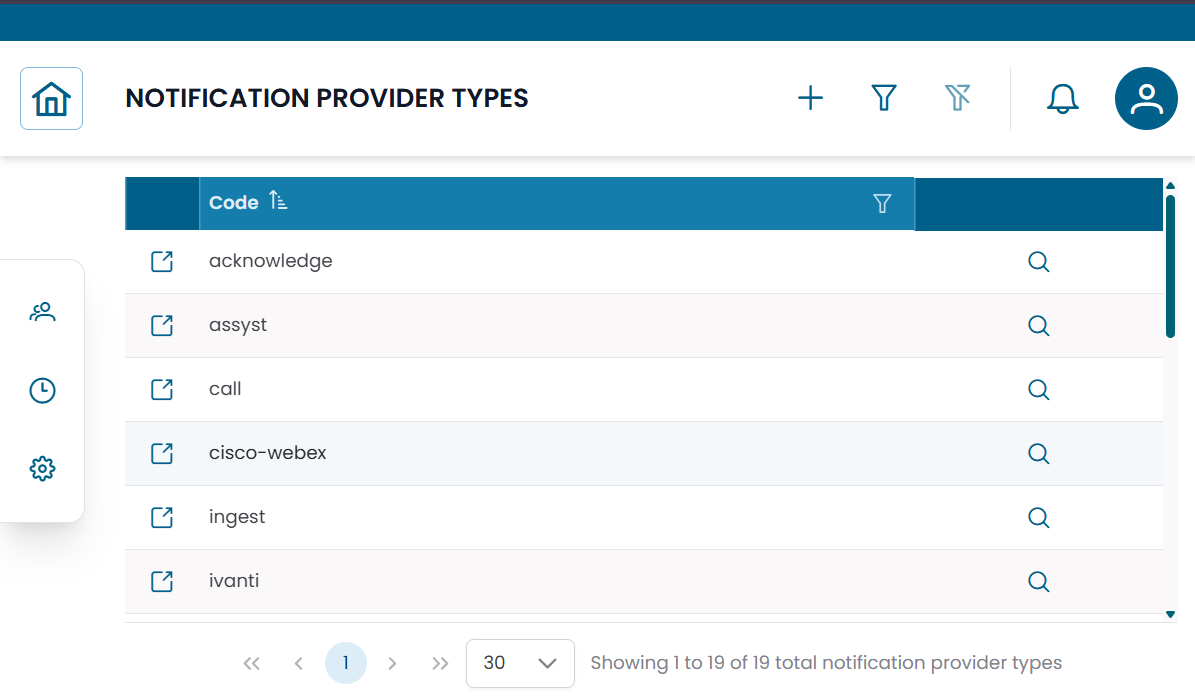
Fig.1 - Notification Provider Types table
Provider Type Details
Click the search icon (🔍) on any row to open the provider type record.
| Field | Description |
|---|---|
| Code | Unique identifier of the provider type |
| JSON Schema | Defines the configuration structure required for providers of this type |
The JSON Schema field describes which parameters are needed when creating a notification provider based on this type — for example server addresses, API endpoints, authentication credentials, or tokens.
Relationship with Notification Providers
Provider types act as templates. When creating a notification provider, you select a provider type and fill in the configuration values defined by its schema.
Notification Provider Type (schema) → Notification Provider (actual configuration)
Multiple providers can be created from the same type — for example two different email gateways both based on the same Email provider type.
Note
To configure actual communication channels, see Notification Providers.